Interval Pacing Timer
Run repeatable work and rest intervals with a large countdown, clear phase changes and optional audio cues. This pacing timer stays accurate when a tab is backgrounded.
Ready
0:10
Prepare for round 1
- Total elapsed
- 0:00
- Time remaining
- 0:00
· Free
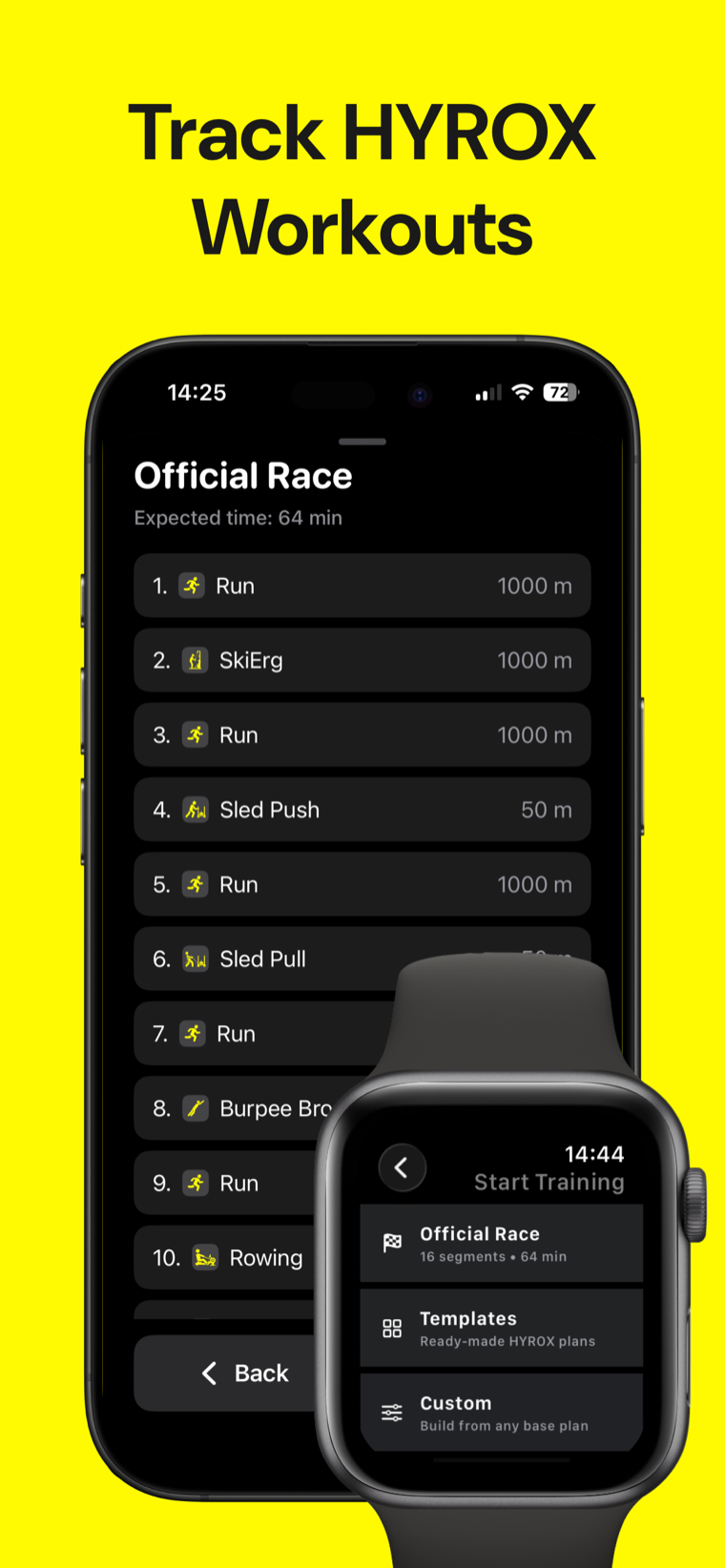
Track it in Hyrox Workout.
Plan HYROX sessions, track training blocks and keep your workout notes together on your device.

How this pacing timer works
Use this pacing timer to set a work duration, rest duration and number of rounds. Add a preparation countdown when you need time to get into position before the first interval.
The clock derives each display from timestamps rather than counting interval ticks, so returning to a backgrounded tab shows the current phase instead of a frozen countdown. Work and rest have distinct optional chimes, generated in the browser with Web Audio.
Remaining time = phase duration − (current timestamp − phase start timestamp) Sound is off by default. Start the timer before audio can play, and keep the page open while training.
Interval pacing timer FAQ
Does the timer keep accurate time in a background tab?
Yes. It calculates elapsed and remaining time from performance timestamps and re-renders when the page becomes visible again.
What do the optional chimes mean?
The work-start and rest-start tones are different, so you can identify the phase without looking at the screen. Sound is off until you enable it and start the timer.
Can I use a preparation countdown?
Yes. Set it to zero to begin immediately, or add a positive number of seconds before the first work phase.
Can I prevent my phone from sleeping?
Where the browser supports it, the timer can request a screen wake lock while it is running. The lock is released when the timer stops or completes.
Can I use this for HYROX run and station blocks?
Yes. Set one round as the run or station simulation block, or use repeated work and rest intervals. The running pace calculator and HYROX time calculator can help with the related maths.